(901) 538-6111

Meeting Room Rental in Memphis: Book by the Hour
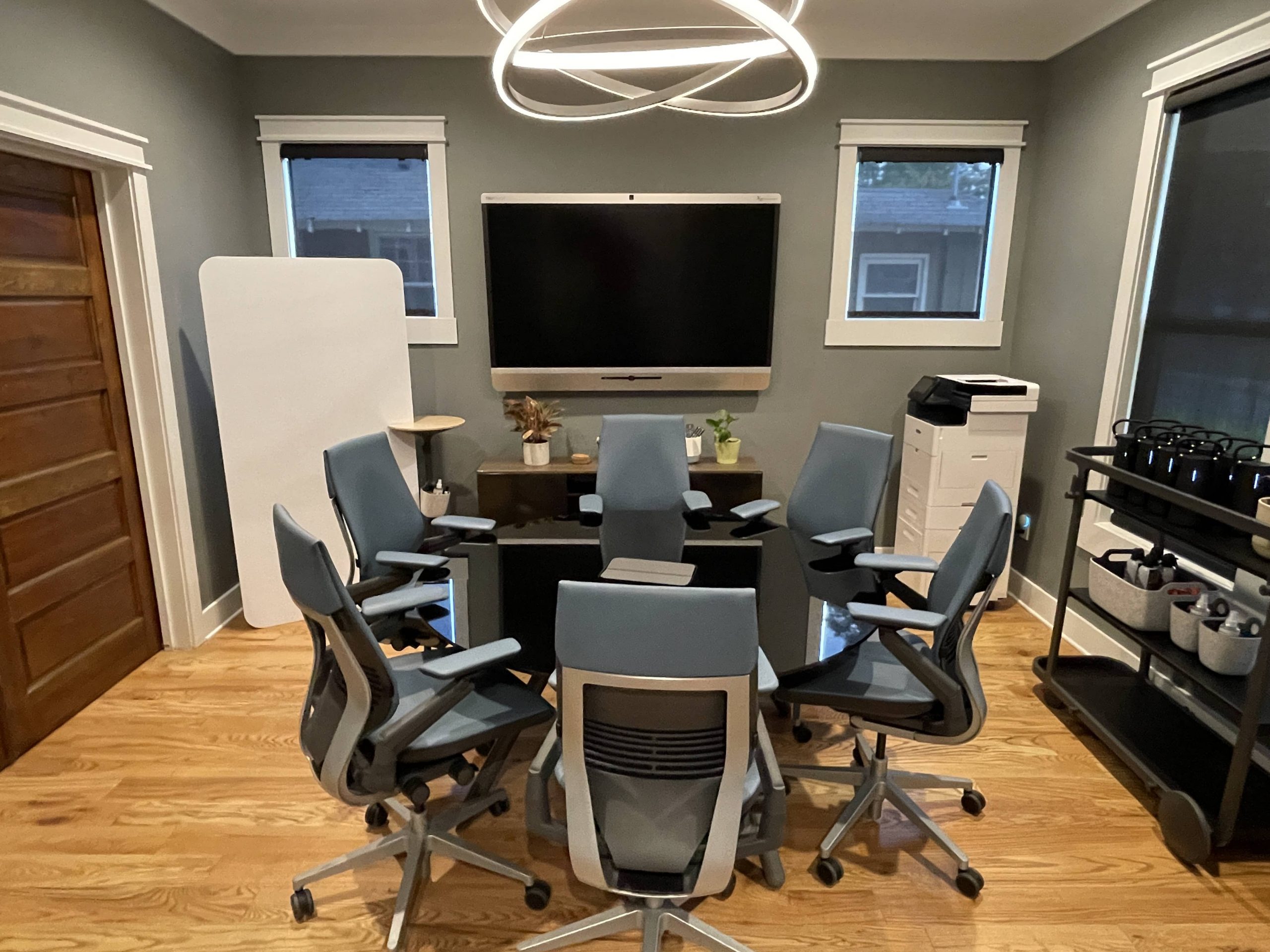
If you need a professional room for two hours on a Thursday, you can book one by the hour — no membership, no lease, no favors owed. Meeting room rental in Memphis is a simple transaction: pick a room that fits your group, confirm the AV does what you need, book the slot online. Tucker Collective in Midtown has five rooms, from $40 an hour, bookable hourly or by the day, and the point of all of it is that you walk in and the meeting just works.
Here’s how to pick the right one, and how to not blow the first ten minutes fumbling with a cable.
The alternatives are worse than you remember
Everybody tries the free options first. They’re free for a reason.
The hotel lobby. Fine for a coffee. Terrible the moment you need to put a number on a screen, and there’s always a vacuum running somewhere.
The restaurant back room. You’re on the restaurant’s clock, and someone will interrupt to ask about appetizers while your client is mid-sentence about their budget.
Borrowing a friend’s conference room. Now you owe a favor, you don’t have the WiFi password, and their office manager wants to know who you are.
The coffee shop. Great for solo work. Bad for a pitch. The espresso grinder fires roughly every four minutes and it does not care that you were about to land the close. Add a confidential number said out loud eighteen inches from a stranger and you’ve got a problem that has nothing to do with caffeine.
None of this makes you look unprofessional on its own. It just adds friction to a conversation where you wanted none. A booked room removes the variable.
Match the room to the meeting
The biggest mistake is booking too big. A four-person conversation in a room built for twelve feels like a deposition nobody scheduled. Too small is worse — chairs dragged in from the hall, someone half out of frame.
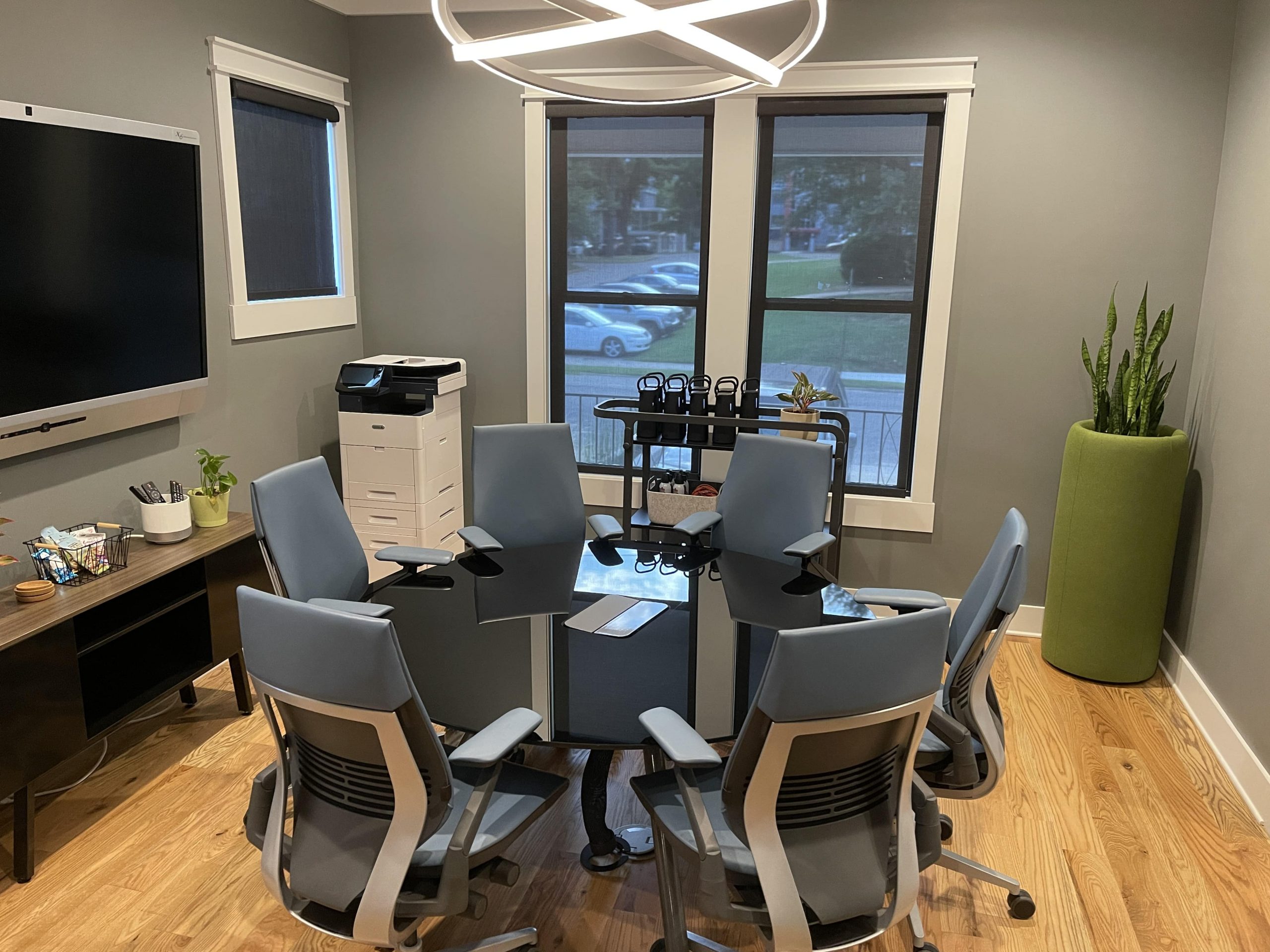
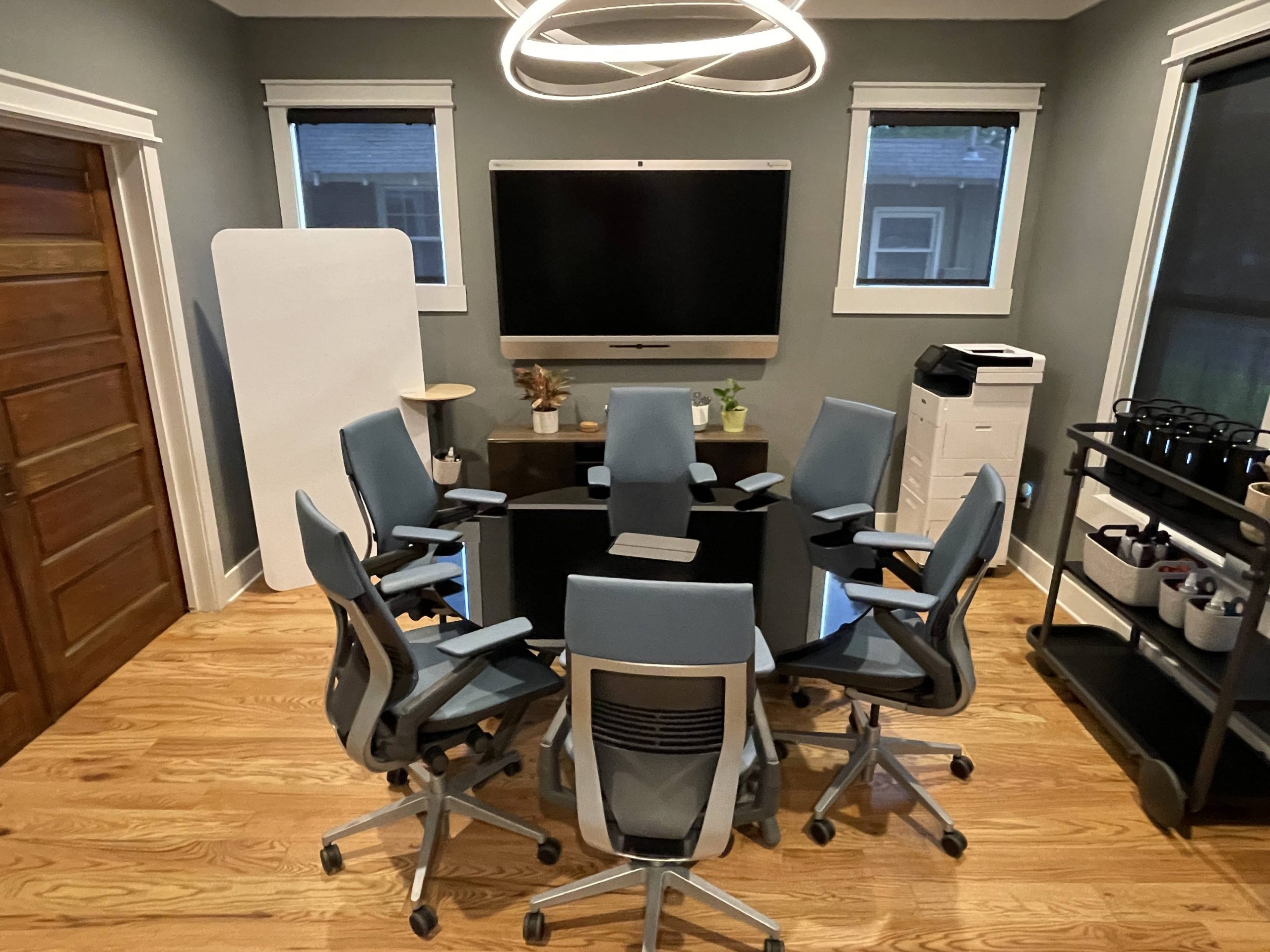
Tucker Collective has five named rooms. Here’s the honest match:
| Room | Seats | Best for |
|---|---|---|
| Blue | 3–4 | One-on-ones, interviews, a focused client check-in |
| Lucille | 3–4 | Small huddles, coaching sessions, a private call with two people in the room |
| Chilton | 6 | Team working sessions, project kickoffs, small board conversations |
| Satellite | 6–8 | Hybrid team meetings, planning sessions, vendor reviews |
| Rosetta | up to 8 | The bigger table — pitches, board meetings, multi-party sit-downs |
A few rules of thumb:
- Interviews and one-on-ones: go small. Blue or Lucille. A big table makes candidates nervous.
- Client pitches: Rosetta or Satellite. Room for materials, a screen everyone can see without turning, and space so nobody’s laptop is touching anybody else’s.
- Anything with lawyers or numbers: book the room with a door and give yourself more time than you think. Those meetings never end early.
“There’s a TV in the room” and “your laptop is on screen in 60 seconds” are different promises
Most rentable rooms have a display on the wall. Very few are set up so a person who has never been in the building can share their screen without a support ticket. That gap is the whole difference between a good meeting room and a room with furniture in it.
What actually matters:
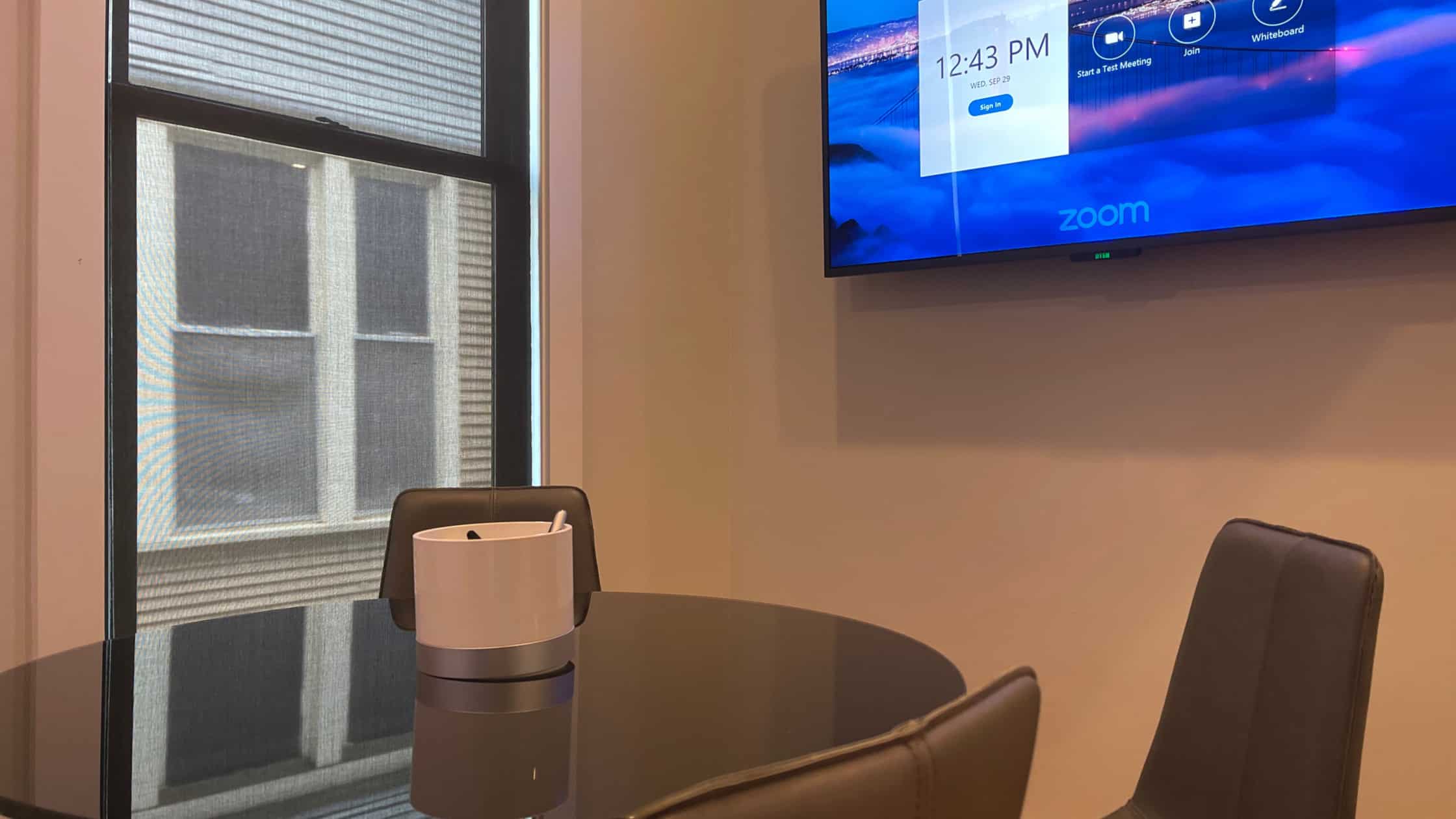
- Mounted 4K displays big enough to read a spreadsheet from the far end of the table, not just a slide title.
- Easy screen-share. You should be connected before anyone finishes pouring coffee.
- Cameras and microphones built for the room, not a laptop pointed at six people, three of whom are out of frame.
- Whiteboards (interactive ones in Blue, Chilton and Lucille). Still undefeated for the moment the slide isn’t explaining it and someone has to draw the thing.
- Adapters on site. Somebody will forget theirs. It will probably be you.
- Rooms set up for Zoom and Teams, so the call starts as a call instead of a troubleshooting session.
Most of Tucker Collective’s rooms have all of the above (Satellite is the exception — it’s the flexible, low-tech room for workshops and working sessions), plus an on-site team during staffed hours if something goes sideways. That last part is underrated. Tech that works is good. Tech that works plus a human twenty feet away is better.
Hybrid meetings: half the room in person, half on video
Hybrid is where most meeting rooms quietly fail. The in-person half has a great time. The remote half spends forty minutes squinting at the back of somebody’s head, guessing who just spoke.
What makes hybrid work:
- A room camera that frames the table, and a mic that picks up the far end of it. If someone has to lean in and repeat themselves, remote attendees have already checked out.
- One shared screen, one shared doc. The remote half should see exactly what the room sees.
- Someone who owns the remote participants. Assign it out loud at the start, or remote folks become furniture.
- A room sized for the in-person half only. Three people in a six-person room with four on video works fine. Three people in a twelve-person room sounds like a cave.
What makes it fail is almost never the software. It’s audio, framing, and nobody being responsible for the people who aren’t in the room.
How meeting room rental in Memphis works: booking, parking and the practical stuff
- Hourly or by the day. Book two hours for a pitch, or take a room all day for interviews or a training block.
- Book online, any time. You don’t have to call during business hours to reserve something for next Tuesday.
- Staffed Monday through Friday, 8:00 AM to 6:00 PM. Plan your meeting inside that window if you want a person on site — which, for anything client-facing, you do.
- On-site team support for setup, greeting guests, and the small stuff that makes a meeting feel handled.
- Parking is free — on-site, plus street parking nearby in Midtown. Your confirmation email includes a parking map; forward it to your attendees. Nothing starts a meeting worse than three people circling the block.
- Location: 152 North Tucker Street, Suite 101, near Overton Square and Crosstown, easy from Downtown, the Medical District and Cooper-Young. Midtown food is a short walk if the meeting runs into lunch.
When eight seats isn’t enough
If you’re running a workshop, a training day, a team-building session or a client gathering, the conference table isn’t the right tool. Tucker Collective’s event space holds up to 50, depending on how it’s set up,, with AV and on-site support included, and catering can be coordinated. That’s the difference between “we rented a room” and “we hosted something.”
The five-minute pre-meeting checklist
Do these and you’ll never lose the first ten minutes again.
- Test the screen-share before anyone arrives — that morning, in the actual room.
- Know who’s dialing in. Send the link the day before and have it open on the room display, not just your laptop.
- Book a buffer on both sides. Fifteen minutes to set up, fifteen after so you’re not shuffled out mid-handshake.
- Bring the adapter you always forget. Then use the one on site anyway.
- Send the address and parking details with the invite, not in a follow-up nobody reads.
- Decide who’s running the room. Someone starts it, someone watches the clock, someone owns the remote attendees.
If you’re weighing whether you need a room at all — or whether the café down the street is genuinely fine for what you’re doing — our post Coworking vs. the Coffee Shop: An Honest Comparison works through that tradeoff without pretending coffee shops are the enemy.
Frequently asked questions
Can I book a meeting room by the hour, or do I have to be a member?
By the hour, and you don’t need a membership. Rooms are bookable hourly or by the day, and you can reserve online any time. If you’re using rooms regularly, ask about a plan on your tour — booking private meeting rooms hourly is included with coworking.
How easy is it to actually book a room?
Online, without a phone call. Pick your room, pick your window, and the confirmation email carries directions and parking details. If you’d rather talk it through — especially for a multi-room day or an event — call (901) 538-6111.
Is there a private room where I can take a confidential video call?
Yes. All five meeting rooms are private, bookable rooms, and there are phone booths and small huddle spaces for quieter one-person calls and video meetings. Nobody can promise a recording studio, but the difference between a room with a door and a table in a café is not subtle.
Do the rooms have screens and AV, or do I need to bring my own?
Most are. Blue, Chilton, Lucille and Rosetta have mounted 4K displays, easy screen-share, and cameras and mics for video calls, and Blue, Chilton and Lucille add interactive whiteboards. Satellite is set up for flexible, in-person working sessions rather than video. Adapters are on site. Bring your laptop and the presentation.
What about internet — is it reliable enough for a client video call?
Fast, secure, business-grade WiFi throughout, which is a different thing from public café WiFi in both speed and security. For a client call where you’re sharing files, that distinction matters.
What if my group is bigger than eight people?
Then you want the event space, which holds up to 50, depending on how it’s set up, for workshops, training, team building and gatherings. AV and on-site support are included, and catering can be coordinated. Call to talk through the setup.
Book the room, then forget about it
The best meeting room is the one you stop thinking about the moment you book it. Five rooms, hourly or daily, real AV, a team on site Monday through Friday. Take a look at the Meeting Rooms page, or call (901) 538-6111 if you’d rather have someone help you match the room to the meeting.
Recent Articles

Where to Work During a Move or Home Remodel
Contractors in the kitchen. Boxes in the office. Internet that won’t be installed at the new place for two weeks. A move or a…Month-to-Month vs a 6-Month Office Term: Which Should You Choose?
One of the most common frustrations in coworking threads on Reddit is contract terms: surprise auto-renewals, notice periods nobody mentioned, and people stuck paying…Planning a Training Day: A Room Logistics Checklist
A training day lives or dies on logistics. The content can be great, but if people can’t find parking, the screen won’t connect, or…Board Meeting Space in Memphis for Nonprofits and Small Organizations
Many nonprofits and small organizations don’t have a boardroom. Board meetings end up in a member’s living room, a church fellowship hall or the…
Where to Hold a Job Interview When You Don’t Have an Office
“Places to do Zoom interviews? Libraries? Coworking?” comes up often on Reddit, from both sides of the table. Candidates need a quiet place to…How to Run a Client Pitch From a Rented Meeting Room
A pitch is not the time to find out the screen doesn’t connect or the room is too small. If you’re pitching from a…
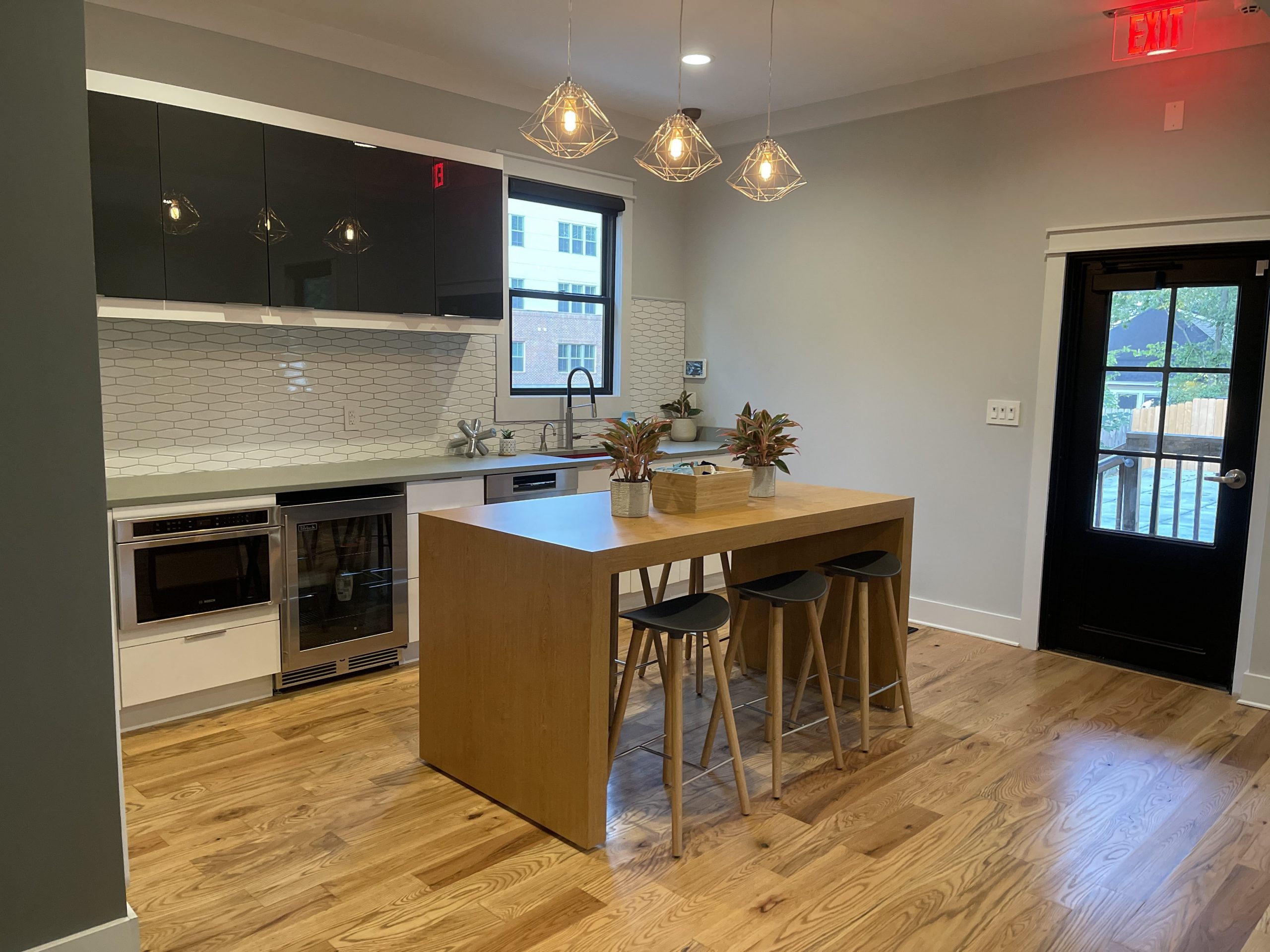
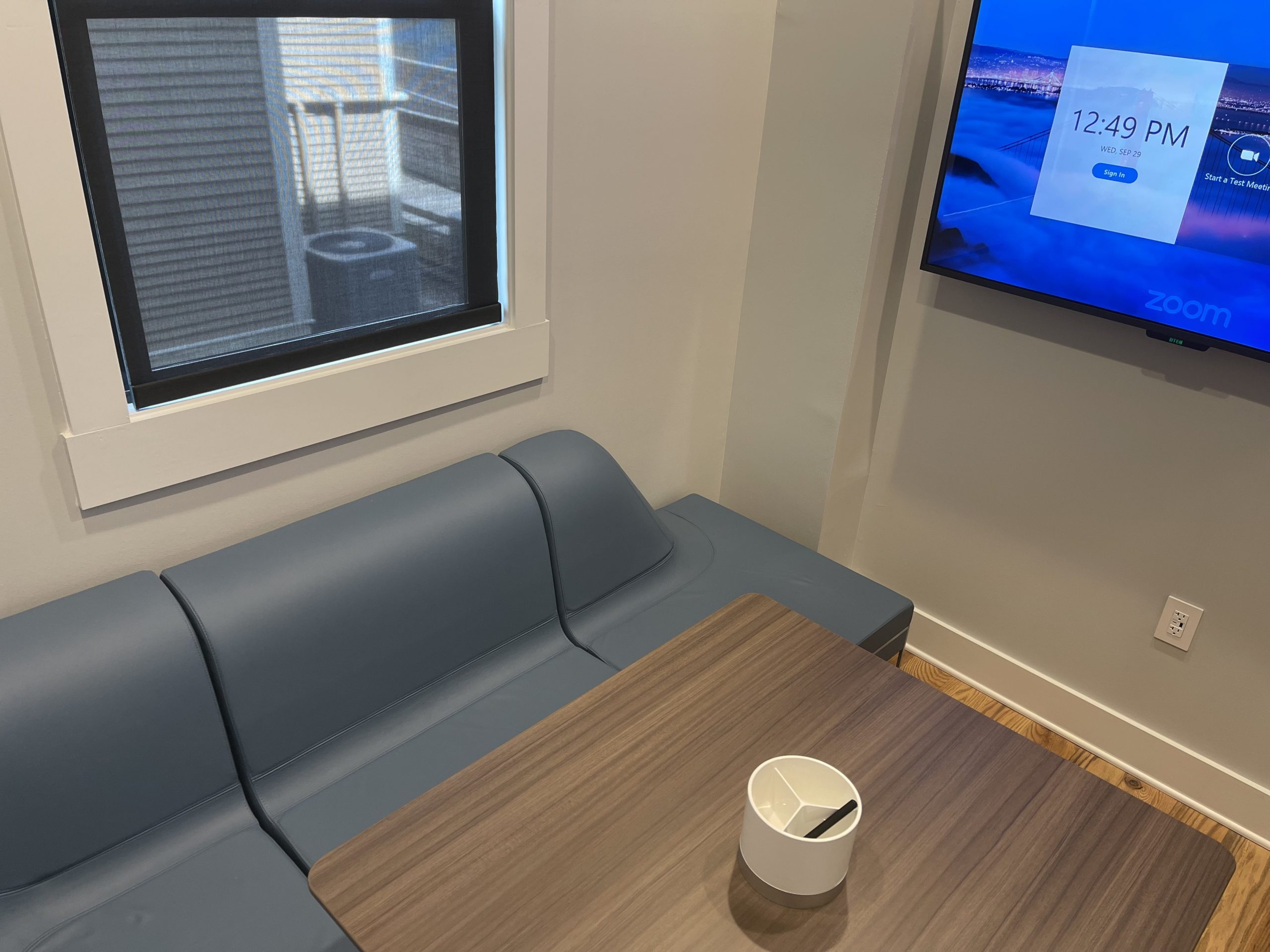
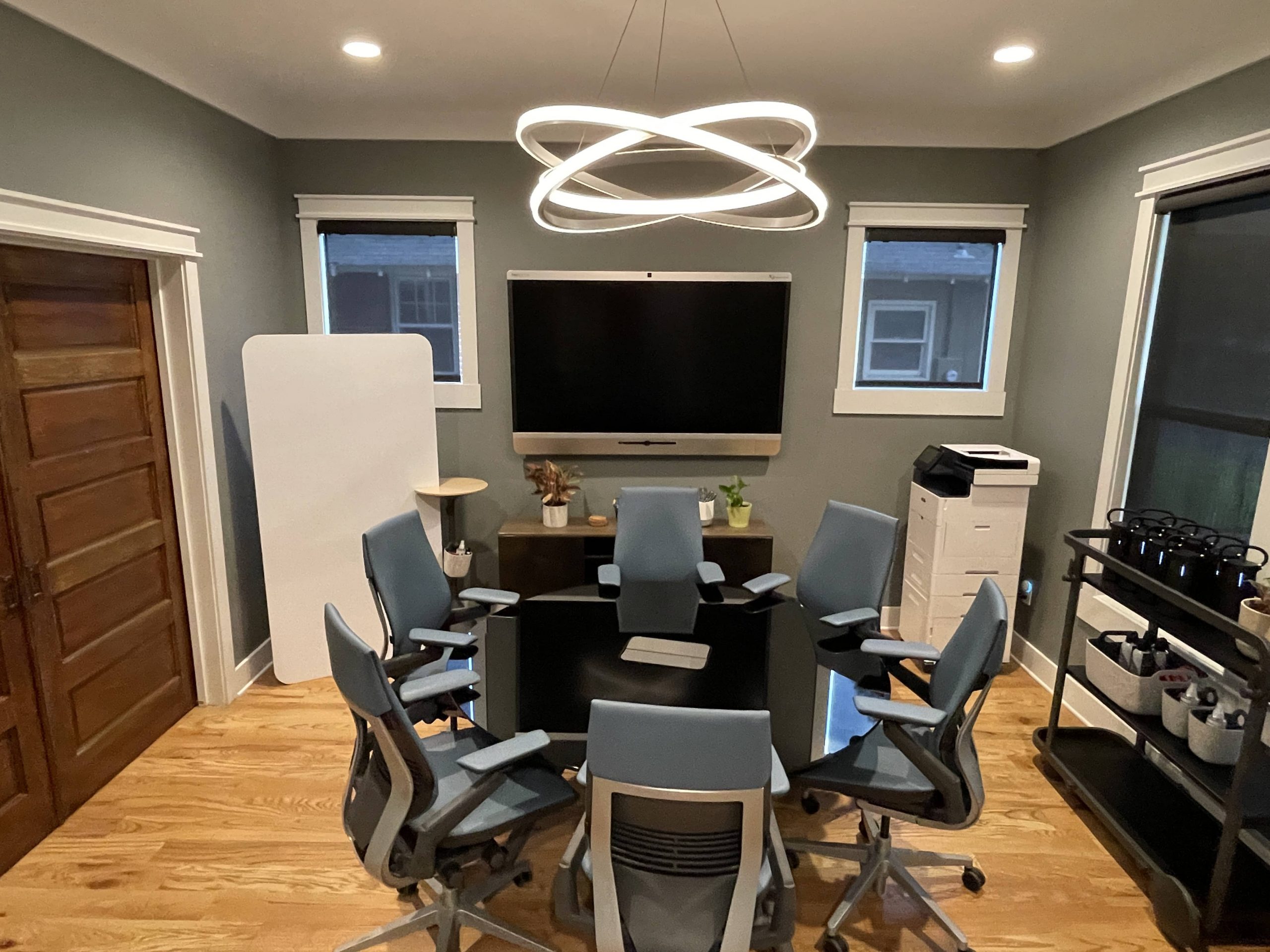
Considering Coworking in the Memphis Area?
Come experience our advanced tech, amenities, and distraction-free space equipped for productivity.
schedule tour
Take Your Meeting To The Next Level
At Tucker Collective, we’re on a mission to bring meeting and workspaces to the 21st century.I used to have a big problem finding suitable space in the midtown and downtown area to have discreet meetings with clients. I recently discovered the Tucker Collective, and it will now be my office away from my office for which to hold a meeting. Don't go looking for a coffee shop for your next meeting, check out the Tucker Collective.Joseph Crone, Attorney

I used to have a big problem finding suitable space in the midtown and downtown area to have discreet meetings with clients. I recently discovered the Tucker Collective, and it will now be my office away from my office for which to hold a meeting. Don't go looking for a coffee shop for your next meeting, check out the Tucker Collective.Joseph Crone, Attorney
I used to have a big problem finding suitable space in the midtown and downtown area to have discreet meetings with clients. I recently discovered the Tucker Collective, and it will now be my office away from my office for which to hold a meeting. Don't go looking for a coffee shop for your next meeting, check out the Tucker Collective.Joseph Crone, Attorney
I used to have a big problem finding suitable space in the midtown and downtown area to have discreet meetings with clients. I recently discovered the Tucker Collective, and it will now be my office away from my office for which to hold a meeting. Don't go looking for a coffee shop for your next meeting, check out the Tucker Collective.Joseph Crone, Attorney